

On this page
Highlights
- Speed: 28 ppm.
- Connectivity: USB, Ethernet, Wi-Fi, Wi-Fi Direct, Apple AirPrint, Brother iPrint & Scan, Mopria Print Service.
- Capacity: 251 sheets.
- Automatic duplex.
Specifications
| Modèle | MFC-J5010DW |
|---|---|
| Format maximal | A4 |
| Impression | Couleur |
| Technologie | Jet d’encre |
| Impression recto verso automatique | Yes |
Caractéristiques vérifiées le 9 septembre 2026. Source constructeur
Consumables, maintenance parts and accessories
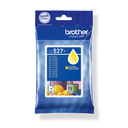
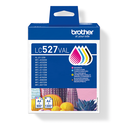
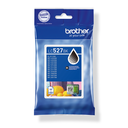
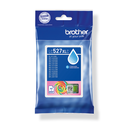
and 8 other compatible products
Use
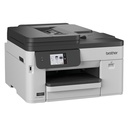
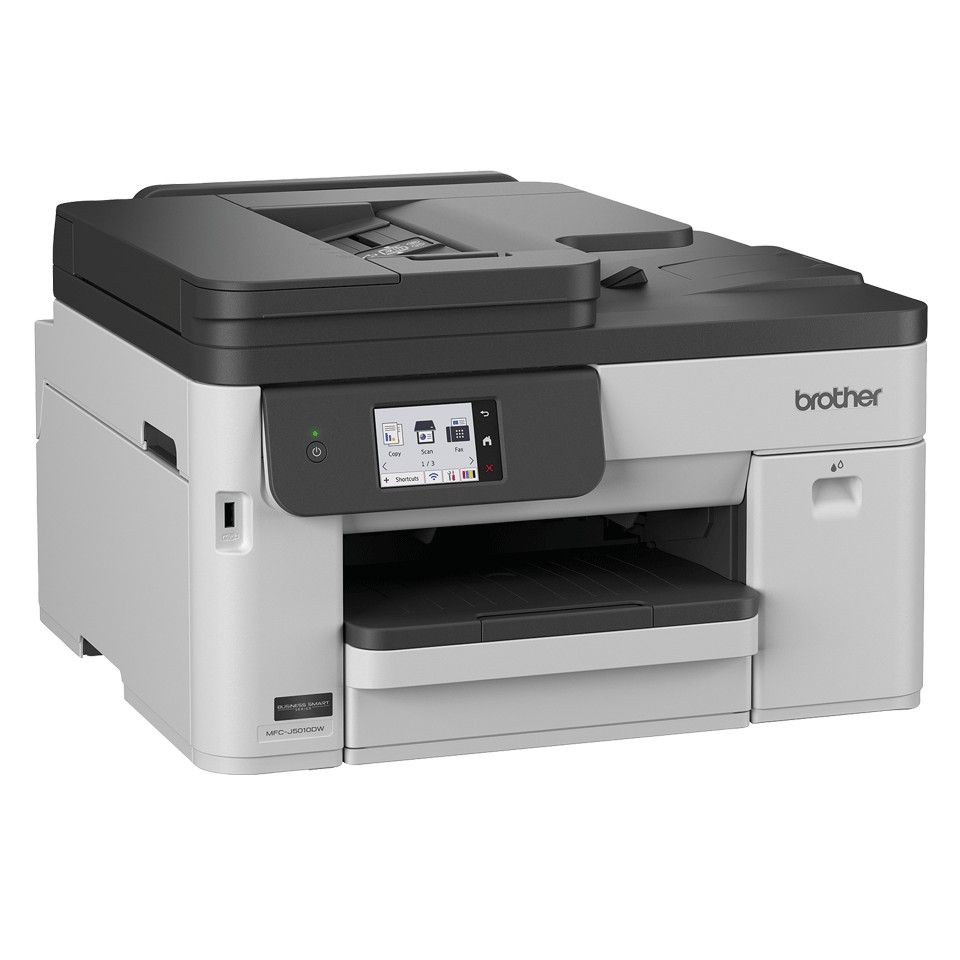
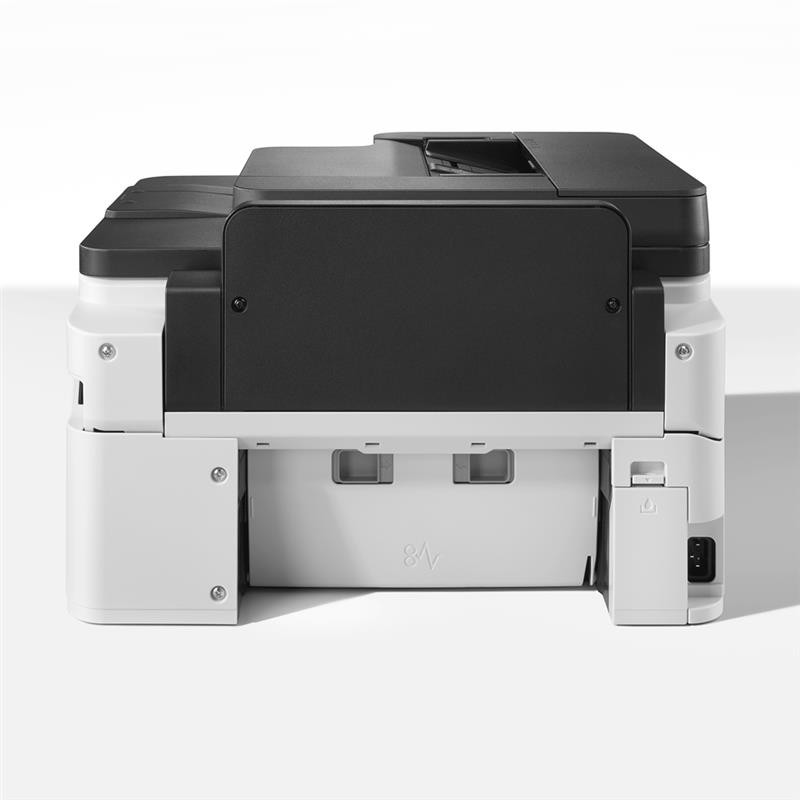
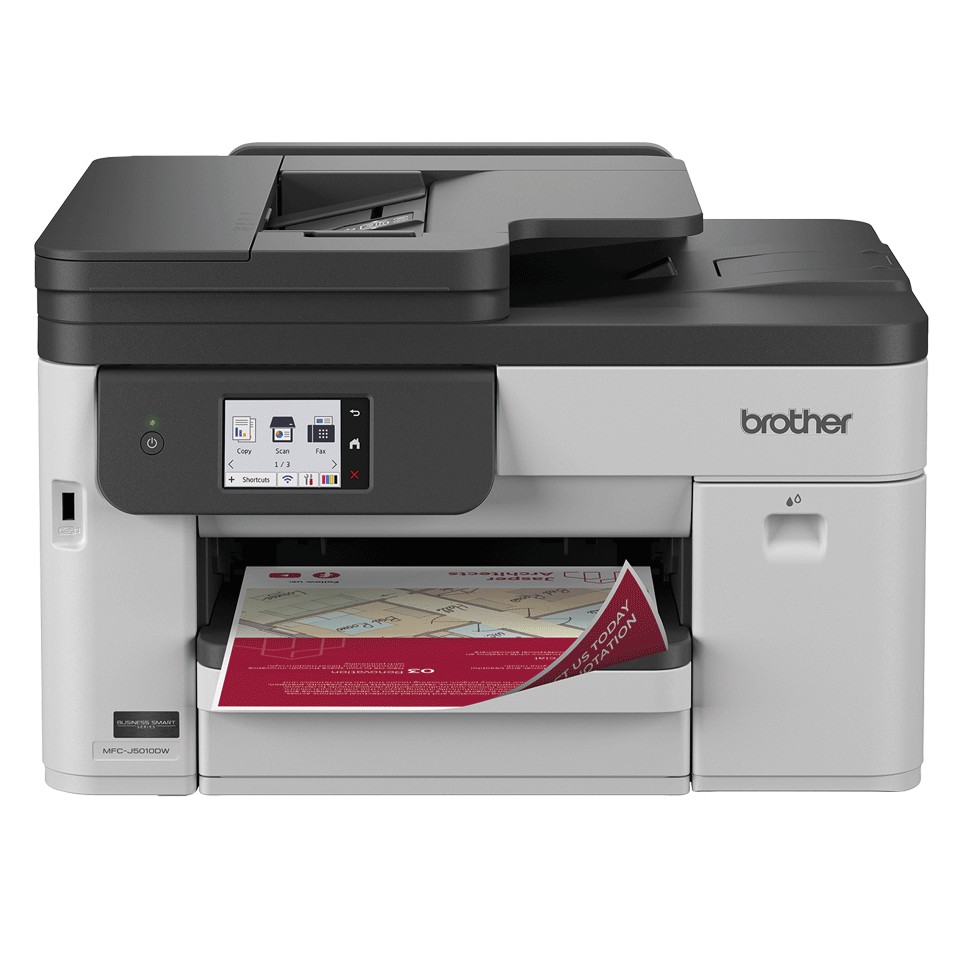
The Brother MFC-J5010DW color inkjet all-in-one is designed for small businesses, independent professionals and small offices: 28 ipm, 251-sheet tray, 50-sheet document feeder.
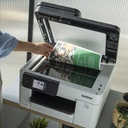
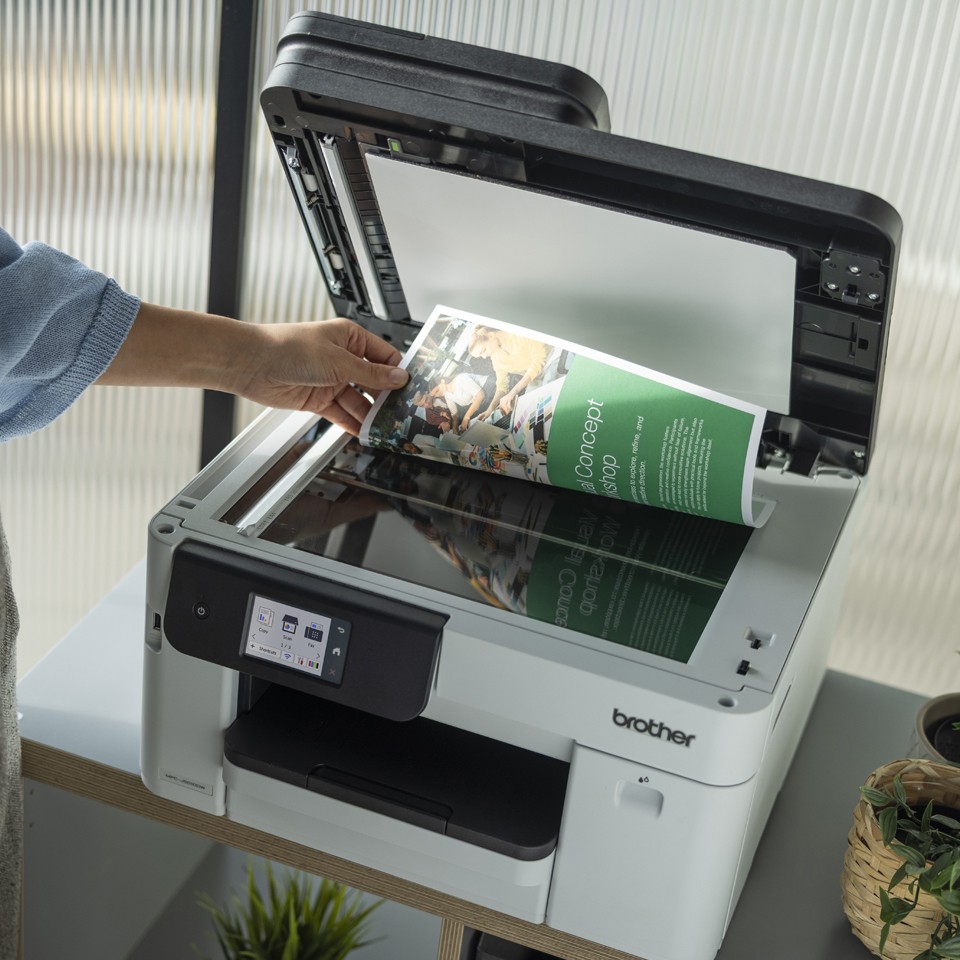
Color inkjet printing handles documents, photos and mixed media (photo paper, envelopes, labels); XL cartridges lower the cost per page. Automatic duplex halves paper use on reports and contracts. The document feeder scans double-sided stacks in a single pass to email, network folder, USB or cloud. Fax remains useful for exchanges with administrations, laboratories and suppliers that require it. A3 handles plans, spreadsheets and posters. Wi-Fi and mobile printing (AirPrint, Mopria, Brother Mobile Connect): print from a smartphone or tablet with no driver.
The MFC-J5010DW brings together color, duplex, feeder and network. For higher volumes or other options, see Brother printers and all-in-ones.
Frequently asked questions
Which consumables does the MFC-J5010DW use?
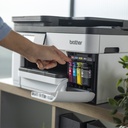
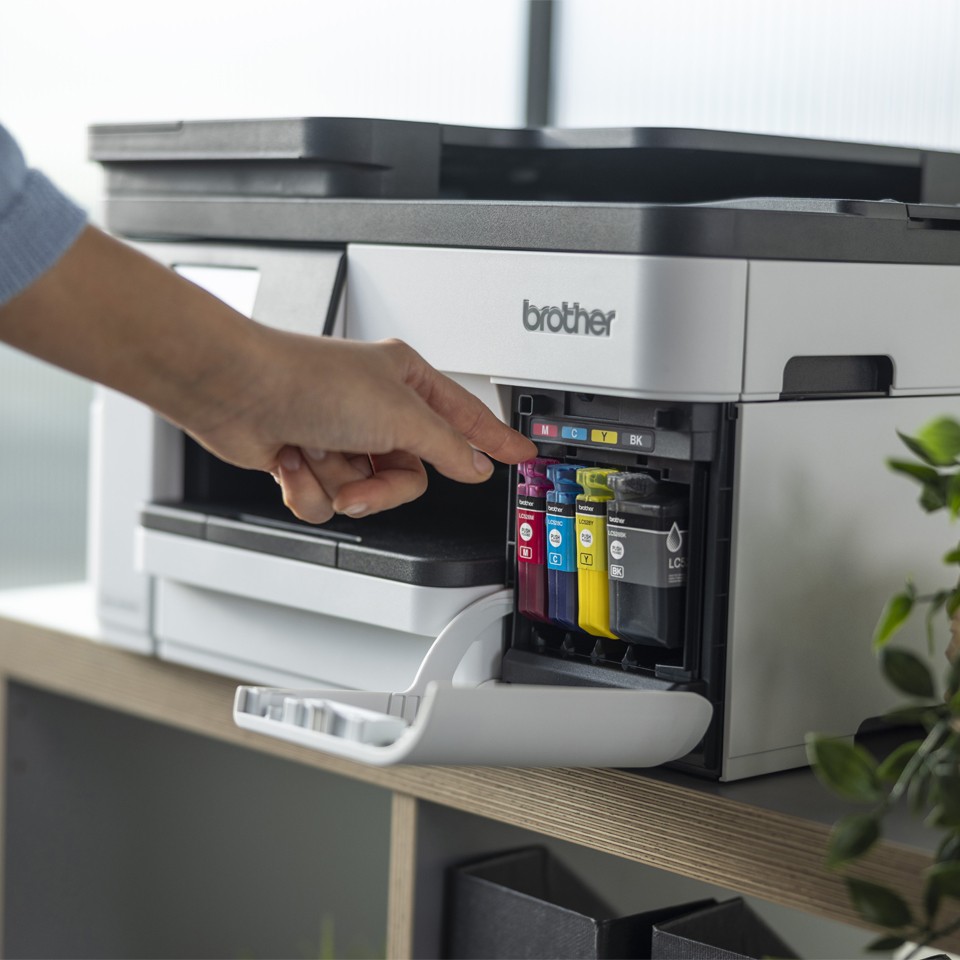
The genuine Brother consumables listed above (LC-527BK / LC527BK black ink cartridge, LC-527C / LC527C cyan ink cartridge, LC-527M / LC527M magenta ink cartridge, LC-527Y / LC527Y yellow ink cartridge); maintenance parts are replaced when the device signals it.
Can the MFC-J5010DW be connected to a network?
Yes: USB, Ethernet, Wi-Fi, Wi-Fi Direct, Apple AirPrint, Brother iPrint & Scan, Mopria Print Service.
Where can I find drivers and the manual?
On our Brother support page: drivers, user guide, software and FAQ for the MFC-J5010DW, by country.